


October 2012
|
|
Greetings! Enjoy another issue of NetEqualizer News! This month, we announce availability of our new NetEqualizer GUI, remind you about the upcoming Midwest Technical Seminar at Washington University – St. Louis, and offer a shipping credit to our international customers as part of a spooky NetEqualizer Halloween celebration. As always, feel free to pass this along to others who might be interested in NetEqualizer News. |
|
A message from Art…
Art Reisman, CTO – APconnections
During October in the United States, all things become about Halloween. This is big business here, rivaling Christmas in sales, particularly of costumes, candy, and scary decorations. I must admit that I love Halloween and do go all out each year decorating my yard with spooky animatronic figures, a mini fake cemetery, and pumpkins from the garden! As I have read that many countries love Halloween, we are offering our own “treat” this year to help our international customers celebrate! For a limited time, we will ship internationally at a scary good price ($275 max shipping credit). Read more about this promotion below. Happy Halloween! We love it when we hear back from you – so if you have a story you would like to share with us of how we have helped you, let us know. Email me directly at art@apconnections.net. I would love to hear from you! |

|
In This Issue:
:: New NetEqualizer GUI Now Available |
|
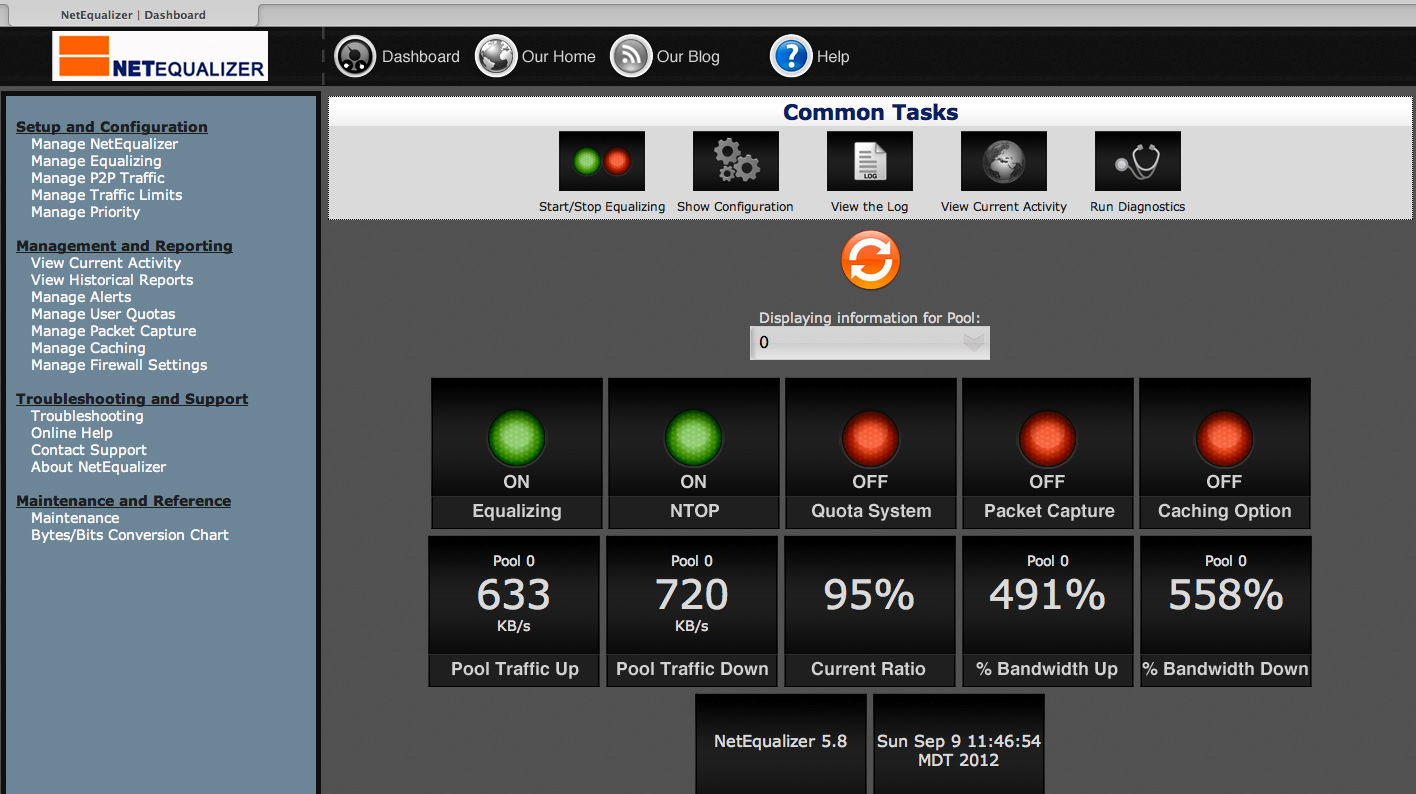
New NetEqualizer GUI Now Available Over the last couple issues of NetEqualizer News, we’ve discussed our 6.0 Software Update, and in particular our new GUI, quite a bit. Well, our beta testing was a big success, and the GUI is now available to those who wish to have it. The actual GA release will be available in one to two weeks.
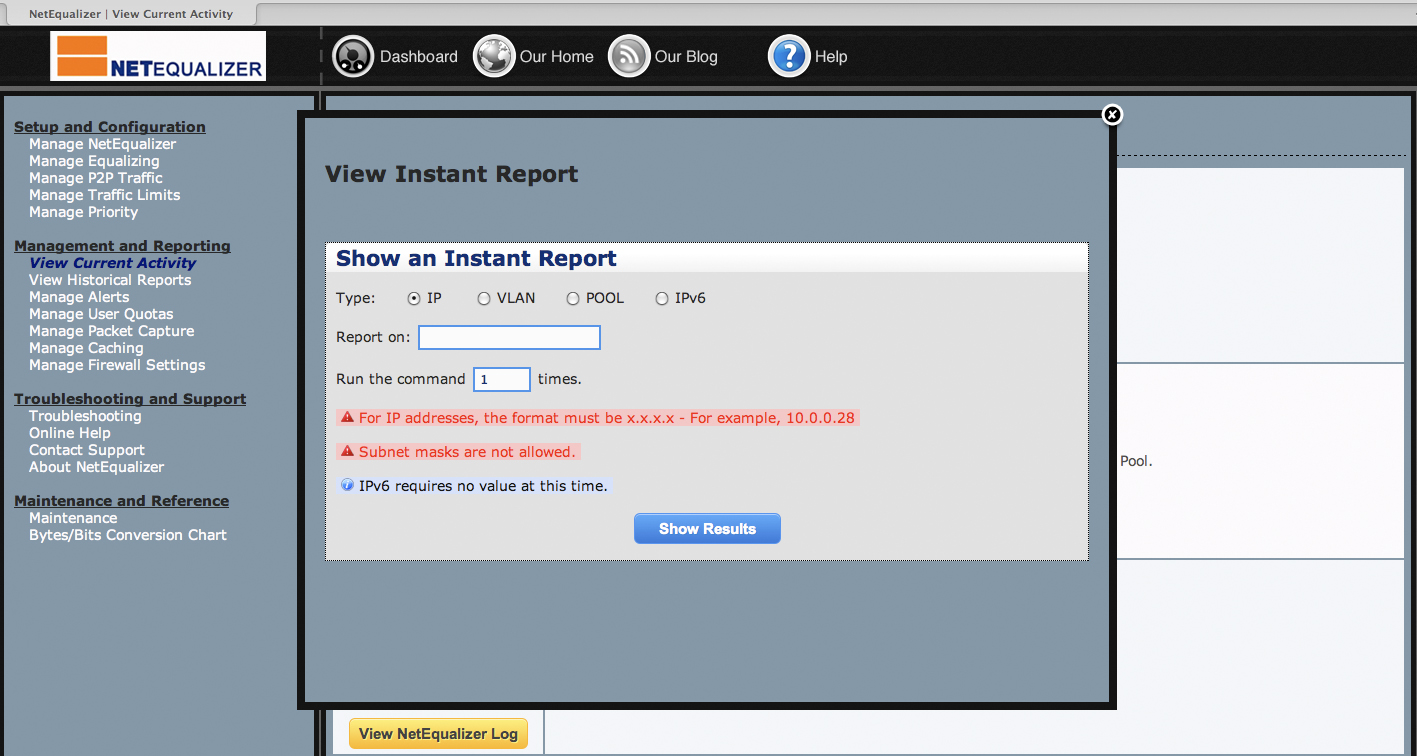
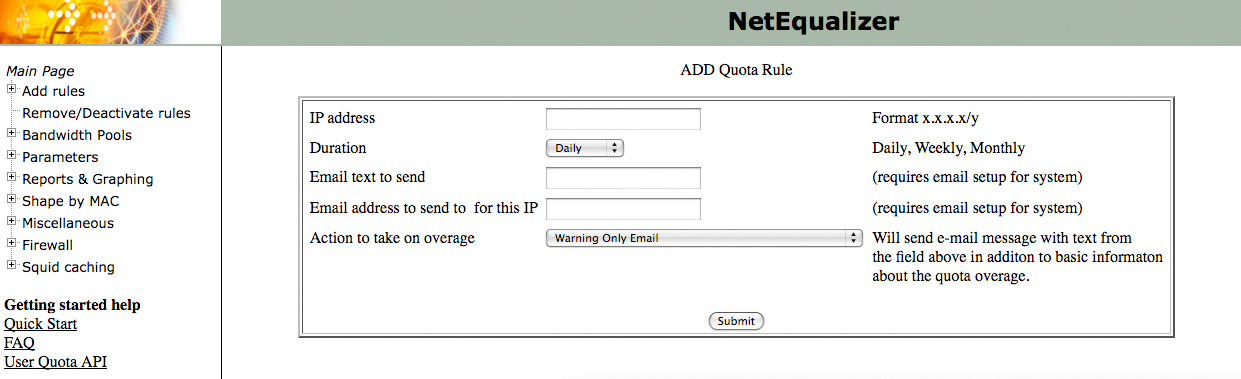
Here are some of the exciting new features you’ll see in the new GUI: – New Dashboard Feature – Menus Aligned by Key Functions – Consistent Look and Feel – Professional Quota API Check out the previous issue of NetEqualizer News for details on each of the above features. Our beta also resulted in great recommendations from our customers. Here are some additional features we’ve added based on feedback thus far: – Dashboard Auto Refresh on three different time intervals. – A Bytes/Bits Conversion Calculator to help you set up your NetEqualizer. – An Old GUI/New GUI Map that helps you see where interfaces in the old GUI now reside in order to make the transition to the new GUI easier. Please email us if you would like to have the new NetEqualizer GUI! All new units will ship with the new GUI, and, as stated above, the GA release will be in one to two weeks. To view a live demo NetEqualizer, with the new GUI installed, click here to register. And, as always, the 6.0 Software Update will be available at no charge to customers with valid NetEqualizer Software Subscriptions (NSS). For more information on the NetEqualizer or the upcoming release, visit our blog or contact us at: -or- toll-free U.S. (888-287-2492), worldwide (303) 997-1300 x. 103. Midwest Technical Seminar Reminder There is still time to register for the Midwest Technical Seminar on Monday, October 29th at Washington University – St. Louis! The half-day seminar will include lunch after the event concludes. If you are in the area, we’d like to see you there! Click here to register and learn more! As part of our Halloween celebration, we want to offer a shipping credit for all of our international customers! This means that we will ship anywhere in the world and apply a maximum $275 credit toward shipping costs. From now until December 2012, take advantage of this great savings opportunity! For more information on the Halloween shipping promotion, contact us at: Editor’s Choice: The Best of Speeding Up Your Internet
By Art Reisman – CTO – APconnections Over the years we have written a variety of articles related to Internet Access Speed and all of the factors that can affect your service. Below, I have consolidated some of my favorites along with a quick convenient synopsis. How to determine the true speed of video over your Internet connection: If you have ever wondered why you can sometimes watch a full-length movie without an issue while at other times you can’t get the shortest of YouTube videos to play without interruption, this article will shed some light on what is going on behind the scenes. FCC is the latest dupe when it comes to Internet speeds: After the Wall Street Journal published an article on Internet provider speed claims, I decided to peel back the onion a bit. This article exposes anomalies between my speed tests and what I experienced when accessing real data.
|

|
Photo Of The Month
Autumn Walk in the Aspens Winter is coming here in Colorado. We’ve already had a few very light snows in the area. Despite the onset of cold weather, it really is one of the most beautiful times here. The trees are at their most brilliant and the snow-capped mountains contrast scenically with the bare foothills. If you’ve never been up to the mountains to check out the changing aspen trees, it’s an experience you won’t forget. |

 |






 away two round-trip domestic airline tickets from
  we asked for your feedback in a survey. An entry was randomly drawn, and the winner is…

























 NetEqualizer News Blog
Our Take on Network Instruments 5th Annual Network Global Study
March 27, 2012 — netequalizerEditors Note: Network Instruments released their “Fifth Annual State of the Network Global study” on March 13th, 2o12. You can read their full study here. Their results were based on responses by 163 network engineers, IT directors, and CIOs in North America, Asia, Europe, Africa, Australia, and South America. Responses were collected from October 22, 2011 to January 3, 2012.
What follows is our take (or my .02 cents) on the key findings around Bandwidth Management and Bandwidth Monitoring from the study.
Finding #1: Over the next two years, more than one-third of respondents expect bandwidth consumption to increase by more than 50%.
Part of me says “well, duh!” but that is only because we hear that from many of our customers. So I guess if you were an Executive, far removed from the day-to-day, this would be an important thing to have pointed out to you. Basically, this is your wake up call (if you are not already awake) to listen to your Network Admins who keep asking you to allocate funds to the network. Now is the time to make your case for more bandwidth to your CEO/President/head guru. Get together budget and resources to build out your network in anticipation of this growth – so that you are not caught off guard. Because if you don’t, someone else will do it for you.
Finding #2: 41% stated network and application delay issues took more than an hour to resolve.
You can and should certainly put monitoring on your network to be able to see and react to delays. However, another way to look at this, admittedly biased from my bandwidth shaping background, is get rid of the delays!
If you are still running an unshaped network, you are missing out on maximizing your existing resource. Think about how smoothly traffic flows on roads, because there are smoothing algorithms (traffic lights) and rules (speed limits) that dictate how traffic moves, hence “traffic shaping.” Now, imagine driving on roads without any shaping in place. What would you do when you got to a 4-way intersection? Whether you just hit the accelerator to speed through, or decided to stop and check out the other traffic probably depends on your risk-tolerance and aggression profile. And the result would be that you make it through OK (live) or get into an ugly crash (and possibly die).
Similarly, your network traffic, when unshaped, can live (getting through without delays) or die (getting stuck waiting in a queue) trying to get to its destination. Whether you look at deep packet inspection, rate limiting, equalizing, or a home-grown solution, you should definitely look into bandwidth shaping. Find a solution that makes sense to you, will solve your network delay issues, and gives you a good return-on-investment (ROI). That way, your Network Admins can spend less time trying to find out the source of the delay.
Finding #3: Video must be dealt with.
24% believe video traffic will consume more than half of all bandwidth in 12 months.
47% say implementing and measuring QoS for video is difficult.
49% have trouble allocating and monitoring bandwidth for video.
Again, no surprise if you have been anywhere near a network in the last 2 years. YouTube use has exploded and become the norm on both consumer and business networks. Add that to the use of video conferencing in the workplace to replace travel, and Netflix or Hulu to watch movies and TV, and you can see that video demand (and consumption) has risen sharply.
Unfortunately, there is no quick, easy fix to make sure that video runs smoothly on your network. However, a combination of solutions can help you to make video run better.
1) Get more bandwidth.
This is just a basic fact-of-life. If you are running a network of < 10Mbps, you are going to have trouble with video, unless you only have one (1) user on your network. You need to look at your contention ratio and size your network appropriately.
2) Cache static video content.
Caching is a good start, especially for static content such as YouTube videos. One caveat to this, do not expect caching to solve network congestion problems (read more about that here) – as users will quickly consume any bandwidth that caching has freed up. Caching will help when a video has gone viral, and everyone is accessing it repeatedly on your network.
3) Use bandwidth shaping to prioritize business-critical video streams (servers).
If you have a designated video-streaming server, you can define rules in your bandwidth shaper to prioritize this server. The risk of this strategy is that you could end up giving all your bandwidth to video; you can reduce the risk by rate capping the bandwidth portioned out to video.
As I said, this is just my take on the findings. What do you see? Do you have a different take? Let us know!
Share this: